Overview
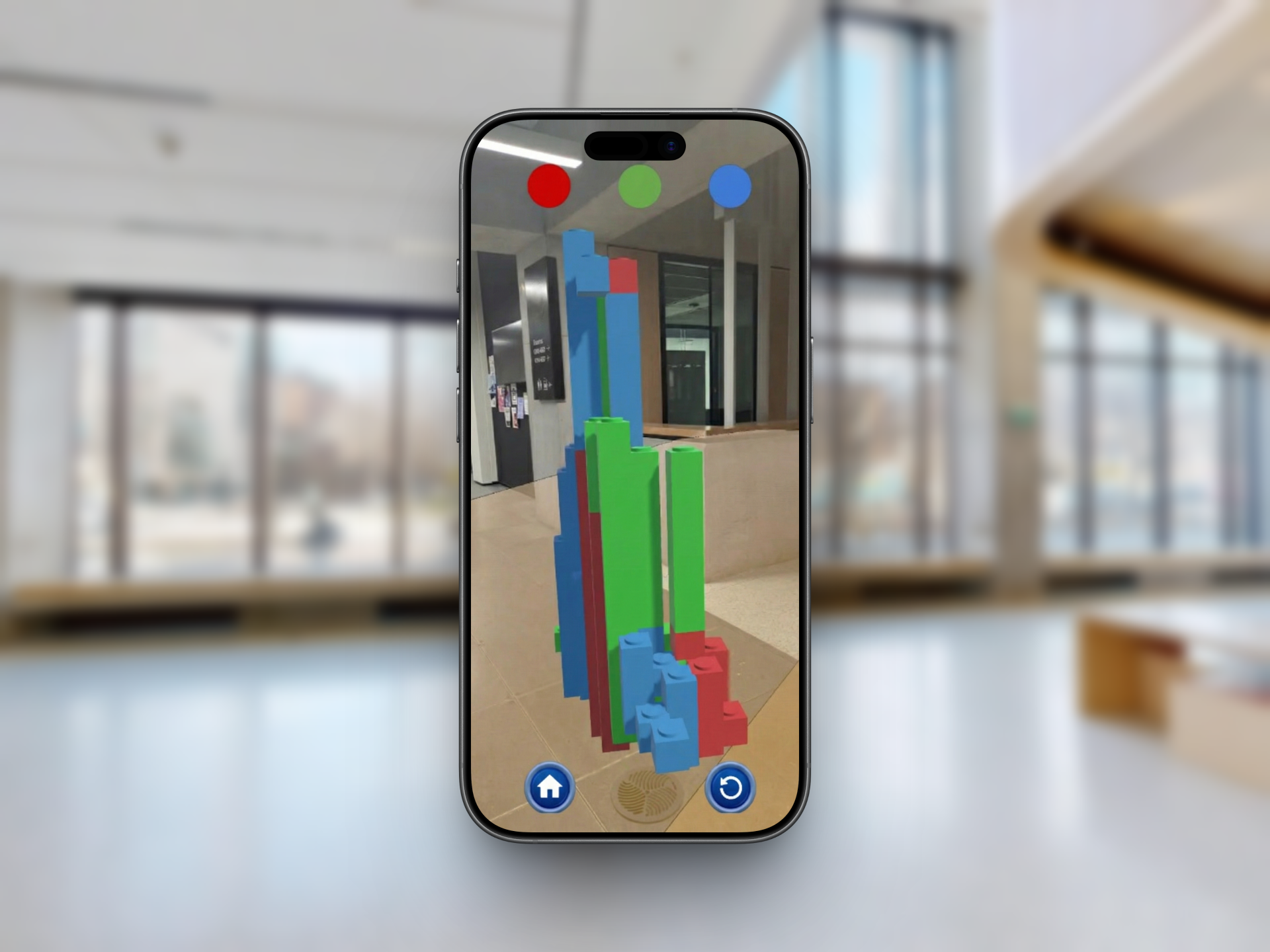
In this project we wanted to change the way people see the world by combining augmented reality with creative building mechanics. Our vision was simple: let anyone build structures in real world spaces using just their phone.
Key Features
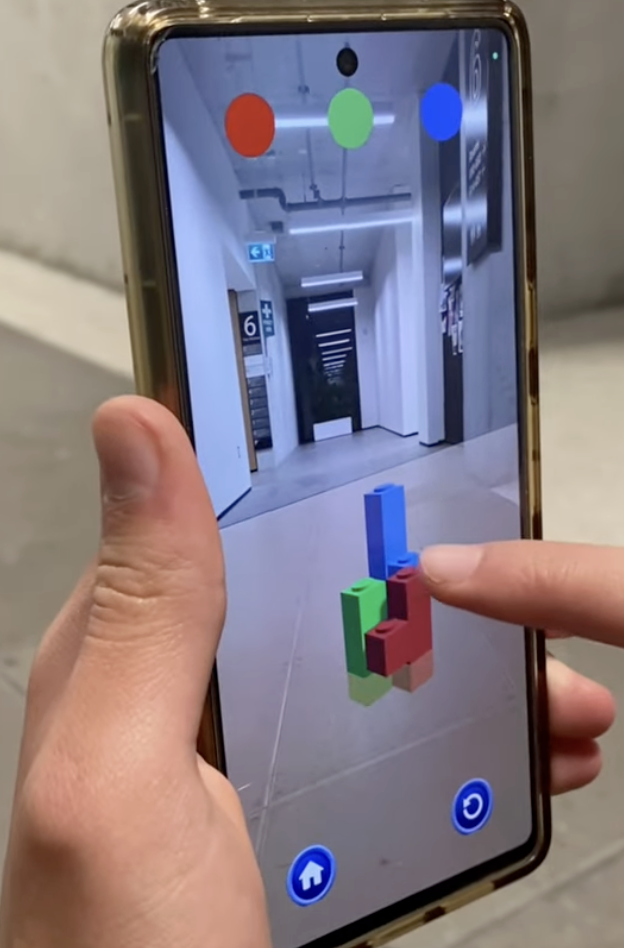
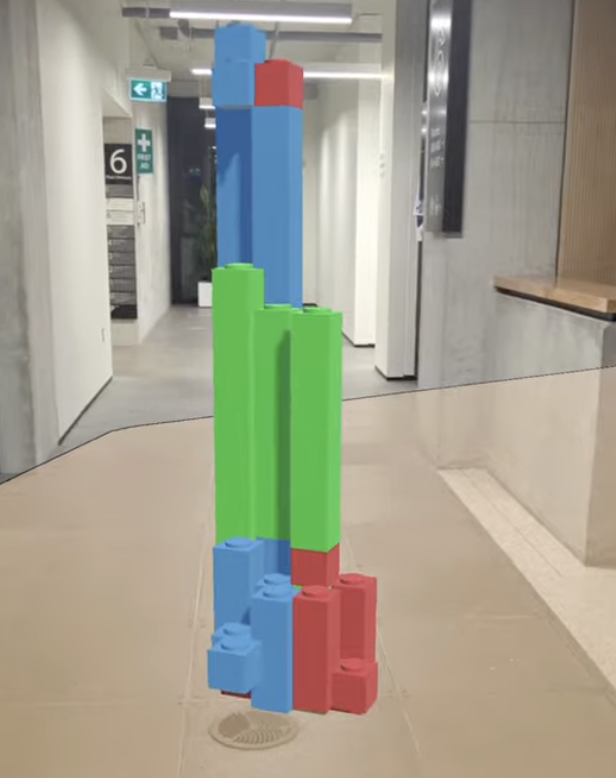
We designed an intuitive interface where you simply click on your phone screen to add blocks in 3D space. You can view your buildings from any angle and experience life-sized models seamlessly integrated into your environment.
Technical Implementation
We built Terra with Unity and C#, using ARCore and AR Foundation for AR functionality on mobile devices. The core placement system we developed uses raycasting to detect planes and existing blocks, with a grid-snapping system to ensure blocks align correctly.
Vector3 SnapToGrid(Vector3 position)
{
    float x = Mathf.Round(position.x / snapGridSize) * snapGridSize;
    float y = Mathf.Round(position.y / snapGridSize) * snapGridSize;
    float z = Mathf.Round(position.z / snapGridSize) * snapGridSize;
    return new Vector3(x, y, z);
}
Our placement system handles two scenarios: placing blocks on AR-detected planes (ground, tables, walls) and stacking blocks on top of existing blocks. When you tap, the system first raycasts against existing blocks to enable stacking, then falls back to AR plane detection for new structures. We also added block customization with three color options (blue, red, green), accessible through the UI buttons.